Changes and the gate
Read a change's latest verdict and find what prevents it from passing. Use the same gate from the command line to decide whether CI can continue.
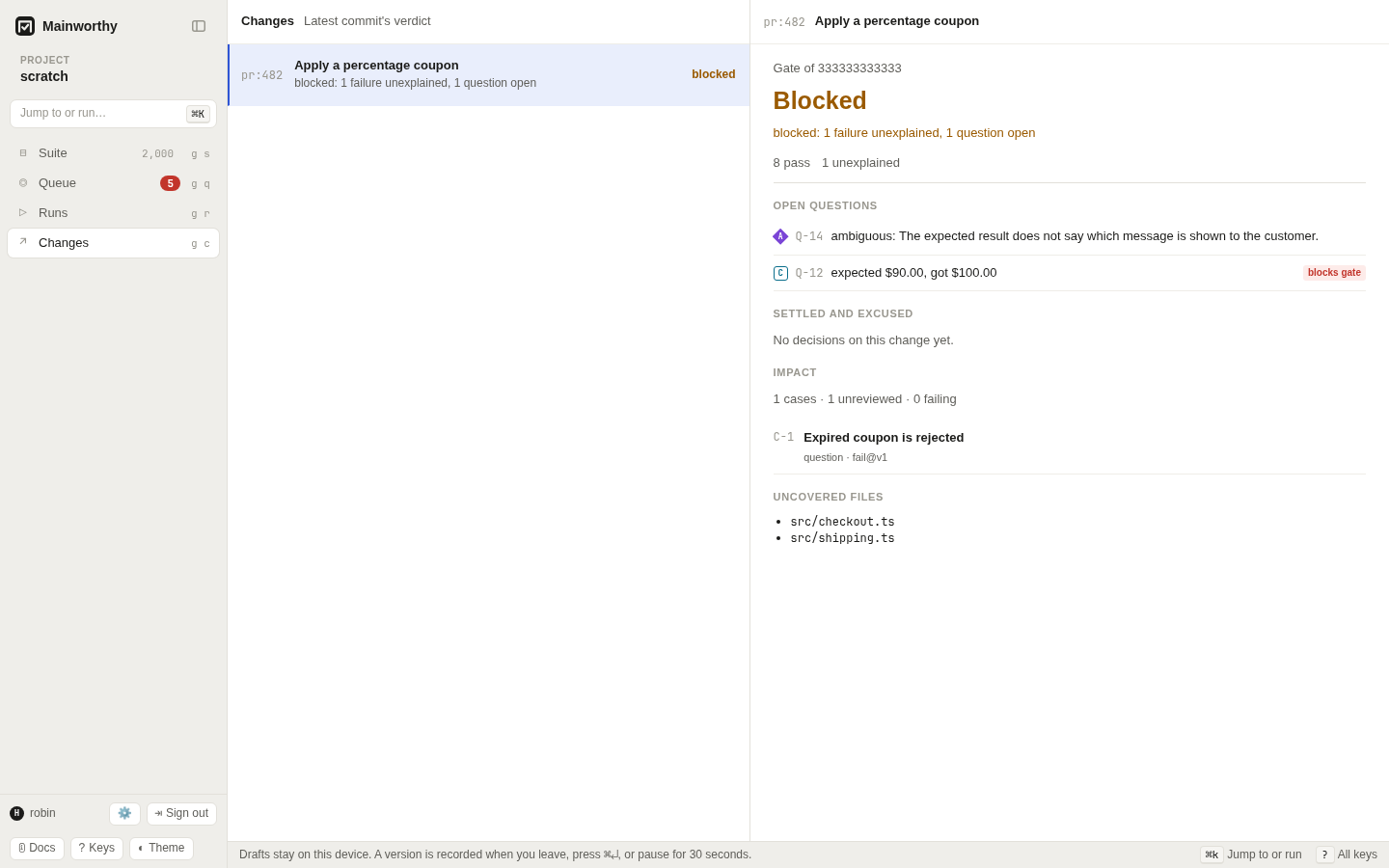
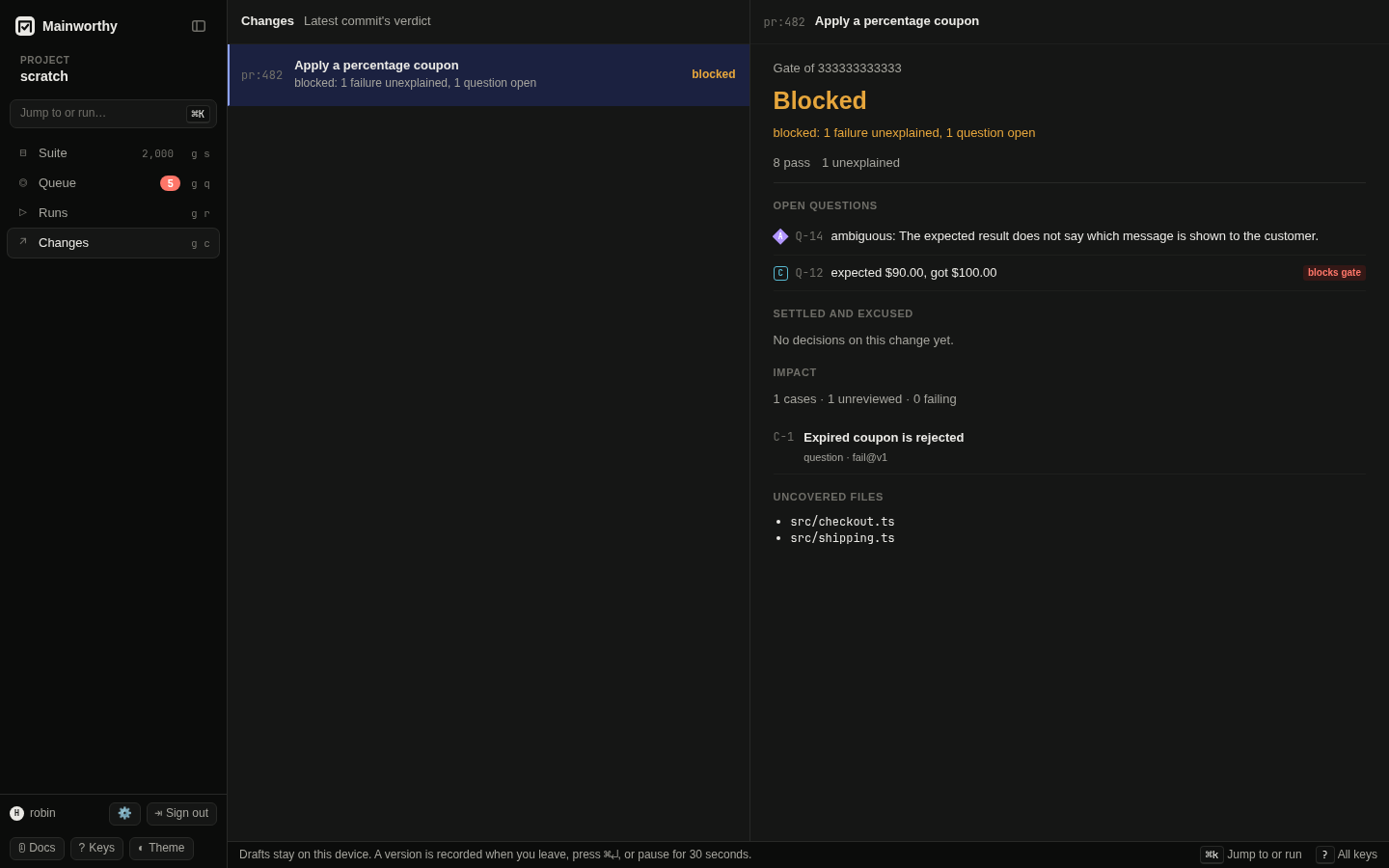
Open a change #
- Press g c to open Changes.
- Select a change from the list.
- Read its verdict and reason.
- Open a question that needs an answer.
Use j and k to move between changes. Enter opens the first question shown for the selected change. See the keyboard guide for navigation keys.
A report identifies the tested commit. Branch or pull request metadata groups
commits into a change. For example, pr:482 identifies a pull request.
The change shows the latest counted commit's gate. A commit gate names one commit.
An older report arriving late does not move the change back to an earlier commit.
The list says "Latest commit's verdict". The detail shows the gate's reason and nonzero counts, followed by "Open questions", "Settled and excused", "Impact", and "Uncovered files" when there are uncovered paths. Impact lists related cases and review information. It is not a code coverage measurement.
Act on the verdict #
passed means counted evidence exists and no current failure, dispute, missing
requirement, or blocking question prevents passage. Read "Settled and excused"
to see whether a decision excused a failure. Passed does not mean every test passed.
failed means a decision attributes a failure to the target.
Fix the product, fix the test, or update the case and test for an intended change.
Then report the new evidence. If the judgment was wrong, withdraw or replace it.
blocked means an unexplained failure, a dispute, or an open blocking question
needs a decision. Open the question, read its evidence, and answer it.
Re-running alone is not a substitute for explaining a failure that still counts.
pending means the gate cannot give a completed verdict yet.
Report missing evidence, wait for an accepted upload to be applied, or renew an
expired decision. A run with only skipped results has proven nothing and stays pending.
A planned run can also wait for a required job or an unfilled slot.
An unexplained failure can make a run blocked even when it also has missing results. The reason names the condition that currently determines the verdict. See runs for planned-run requirements.
Read the gate in CI or a shell #
$ mainworthy gate
$ mainworthy gate --commit 1111111111111111111111111111111111111111
$ mainworthy gate --change pr:482
$ mainworthy gate --run R-2
With no target flag, gate uses CI or Git detection.
Choose one commit, change, or run per call.
If a commit was reported for several repositories, use --repo to identify the one
whose gate you need. Mainworthy refuses to guess between repositories.
The verdict sets the exit code:
0meanspassed.1meansfailed.2meansblocked.3meanspending.4means the command encountered an input, connection, or operation error.
Use --wait <seconds> to wait while the verdict is pending.
It does not wait for a person to answer a blocked question.
Use --json for structured output. The CLI guide lists every flag.
When a change ends #
A pull request ends when it is merged, or closed without merging. Tell Mainworthy, and it stops asking about the change:
$ mainworthy change --change pr:482 --state merged --compact
{"change":"pr:482","state":"merged","questions":["Q-115"],"already":false}
--state takes merged, closed or open. The reply lists the failure questions that were open
about the change and are no longer asked. Nobody will act on an answer about a pull request
that has ended. A failure that came with the merge fails on the line too, and is asked about
there as its own question.
What stays as it was:
- The verdict. The change's last commit keeps the gate it had: a failure nobody explained
still reads
blocked, with no open question behind it. - Answers already given. They stay under "Settled and excused".
- Findings about the change. A finding is about a case, and is still worth an answer.
- A question that an open planned run shows unexplained. That run waits for the answer whatever became of the change.
A report that arrives after the end, from a job that finished late, is recorded and counted. It raises no question.
When a pull request is opened again, say so, and what its newest commit shows unexplained is asked about at once:
$ mainworthy change --change pr:482 --state open
A pipeline or a person says how a change ended. An agent's word about it is refused, as its word about where a commit belongs is. In Changes, an ended change is marked "merged" or "closed". See report results for the workflow that sends this from GitHub Actions.
Distinguish uploads from gates #
A successful report records evidence and prints a receipt.
Its exit code does not decide whether the commit passes.
Call mainworthy gate after mainworthy report in your pipeline.
See report results.
A test can gate a commit even when it has no case. An invalid automated case annotation does not discard a failing outcome. A newer decisive attempt can replace the previous result from the same producer, job, target, and test. A pass from a different job cannot clear that failure.
Understand agent evidence #
A commit reported only by an agent has no counted commit gate. Reading its gate returns pending with nothing proven. An agent's results are recorded and visible, and failures can raise questions, but they do not move the change's counted head or its commit verdict.
Agent results count only in a planned run that asks for agents on a case that admits them. A review is still not a runtime pass. See agents.
Change a verdict with a decision #
Answering a failure recomputes the gates that show that cause. Choose "Infrastructure" to excuse the target you are looking at, or "Flaky" to excuse it while the hold lasts. The gate can then pass without another upload if it has no other outstanding condition.
Choose "Defect in the product", "The test is wrong", or "Expected: behaviour changed" to attribute the failure. The gate becomes failed until passing evidence replaces that failure or the judgment changes.
The result stays recorded in either case. The decision changes what the failure means for the gate. Withdrawing an excuse can block the gate again. See decide for duration and later occurrences.
Mainworthy does not yet post the verdict as a code-host check.
Use the gate exit code in CI and follow the question links in the web app.